08. Color Harmonization
Different cameras will receive different amounts of light based on where they are located. For example, if one side of your rig is pointed directly towards the sun, while the other is more shadowed, this will affect the color of each section of your image - like this image here.
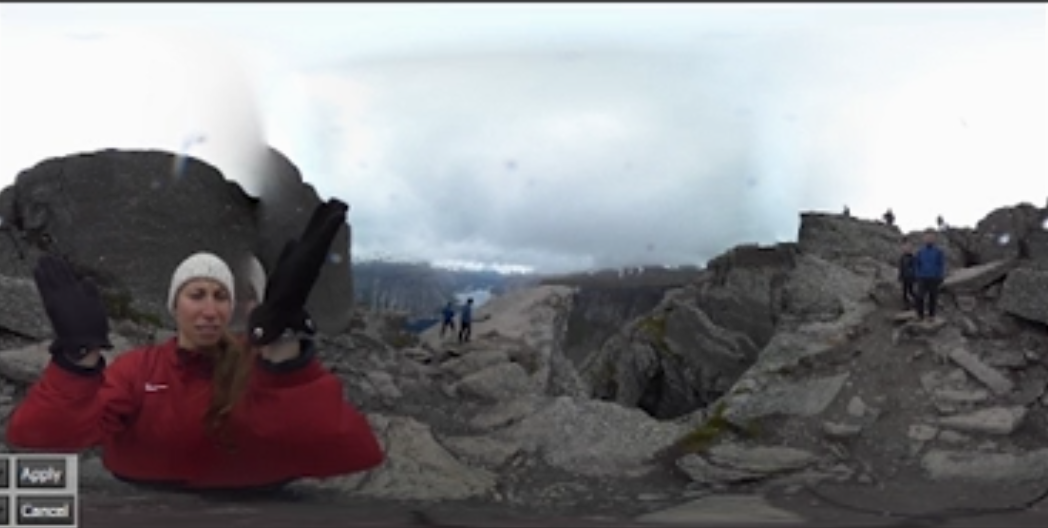
Notice the color imbalance in the stitched sky.
To fix these kinds of problems, you’ll need to apply Color Harmonization. Click the Color button to see the color harmonization options.

Click the Color button to see the color harmonization options.
You’ll see a number of Color options on the menu at the left.
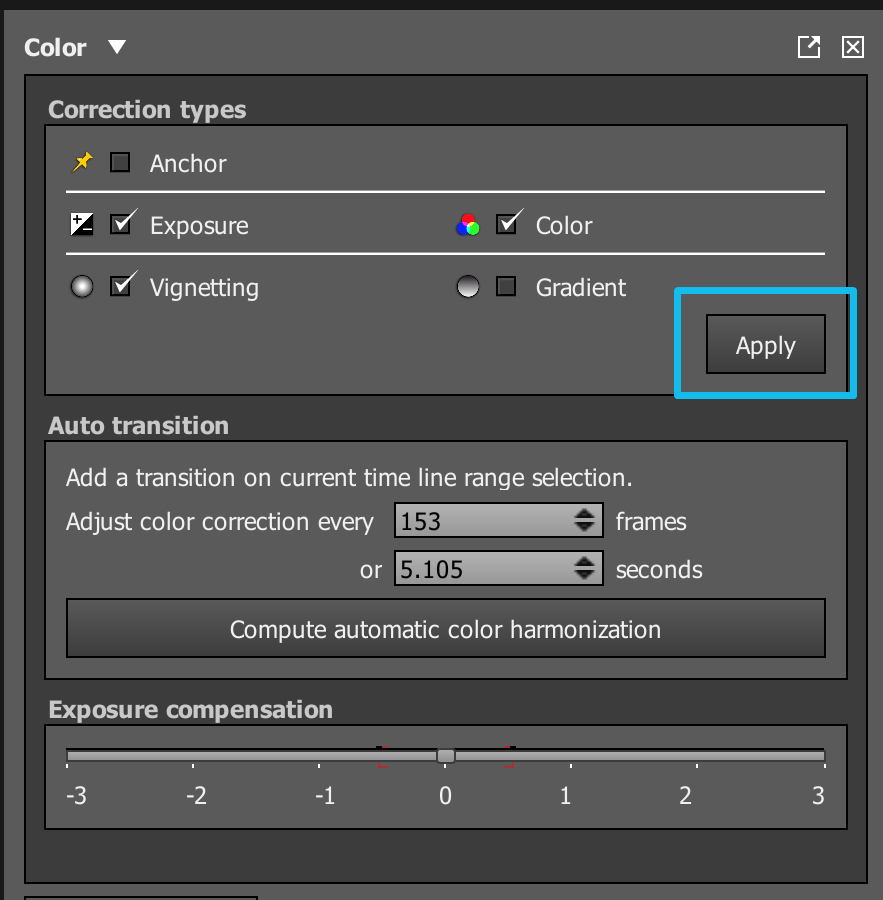
There are a lot of color options. We’ll discuss them later.
You can try all the different options out here to see the effects, but the defaults are fine. We’ll go more into what the color options do in the next lesson when we take a look at the sister program to Autopano Video Pro, Autopano Giga.
For now, just use the default settings and click the Apply button to balance the color between your stitched videos at the current frame.
Project Preview:
